
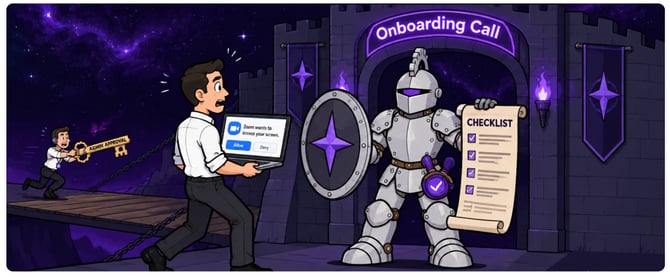
Admin & IT Approvals
TimeSentry needs access to several permissions that can only be approved by an administrator. If you are not the admin, forward this section to whoever manages your Microsoft account before the call.
-
Microsoft 365 / Outlook: The person approving needs to be at least a Cloud Application Administrator, or a Privileged Role Administrator
Approval link for your IT/Admin
Your Computer & Zoom
Joining from your work laptop and screen sharing are utilized to thoroughly walk you through the process
-
Join from the computer you work on every day, not a phone or tablet, and be at your desk for the whole session.
-
Screen sharing works in Zoom.
-
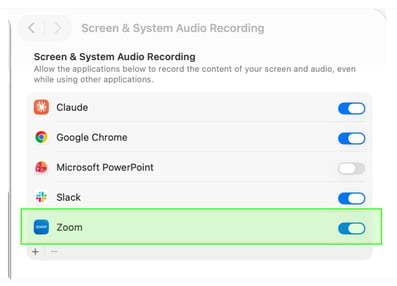
On a Mac, allow Zoom under System Settings > Privacy & Security > Screen Recording, then restart Zoom. Test a share before the call.
-
-
Camera and audio work, so we can see and hear everyone clearly.
Accounts and information to have ready
-
Log-in credentials for each system we will connect: your email (Outlook/Microsoft or Gmail), calendar and Clio.
-
Two-factor codes within reach, since connecting Clio, or Microsoft usually prompts for a verification code.
Who should attend
-
Everyone in the trial group joins from their own computer, ideally together, so we onboard the whole group in one session.
-
An admin or IT contact is on the call or reachable by phone, to approve permissions on the spot.
-
One decision-maker can answer questions about approval workflow, privacy, and who will be the firm admin.
-
Time block: please hold 45 minutes.
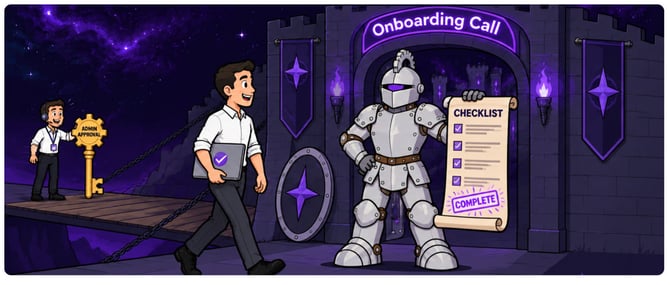
On the call we will connect your accounts, generate your first time entries, show how to review and sync them, and agree on a check-in one to two weeks later.
Questions before your session? Reach out at isabella@timesentry.ai